From typing to a working web page: the complete hands-on walkthrough 2026-04-02
In the previous episode we met Google AI Studio, that invaluable tool, and worked out which model to pick and how to write the opening prompt.
But is there still one question hanging in your mind: after all that talk, how does a paragraph actually turn into a web page that really runs?
Today we go straight to the point — using a real case study, "Hanzi Master", we walk you hand in hand through the whole process of "typing → getting a web page".
01 Step one: don't rush into giving instructions — let the AI ask you first
Many people start by writing out a long block of requirements, and the AI ends up grasping it in fragments.
Let's flip the approach: have the AI ask you instead.
For example, this is how I opened:
I want to build a Chinese character learning website with stroke practice, component practice, character assembly and riddles. Please ask me 3-5 questions to clarify my requirements.
The AI immediately fired back five key questions:
- Who are the target users? (children / international students / Chinese character enthusiasts)
- How should stroke practice be interactive? (handwriting recognition / animated demonstration)
- What is the gameplay for component practice? (drag and drop to assemble characters / multiple choice)
- Should the riddles use an existing question bank or be generated live by the AI?
- Do we need user login and progress tracking?
You don't need to have every detail worked out from the start; the AI helps you break a vague idea down into concrete questions.
💡"Don't know how to write a requirements document? Let the AI think for you — all you have to do is answer."
02 Step two: answer the questions, hit enter, wait for the AI to hand in its paper
My answers were very short:
- International students
- Animated demonstration
- Drag and drop components to assemble characters
- Start with a classic question bank
- No user system for now
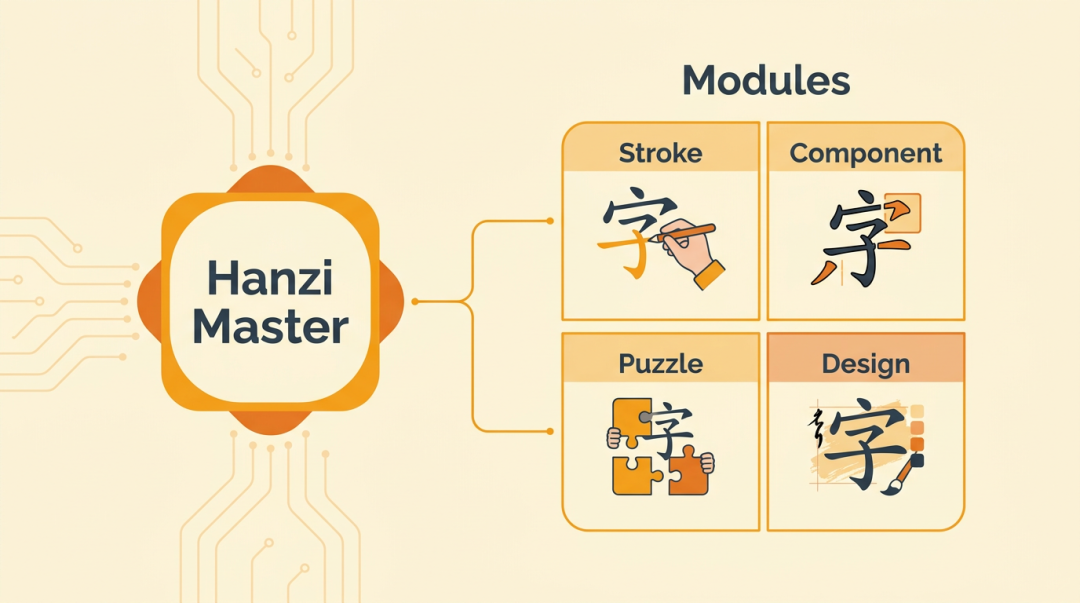
Just a few plain sentences. I hit enter, and with a "swish" the AI handed in its paper — a Chinese character learning platform called "Hanzi Master" appeared right there in the preview window.
So what did it take care of automatically?
✅ Stroke practice module: it comes with a stroke-order animation library — just hit "replay" to watch the writing order again and again
✅ Component practice module: drag radicals into a dashed box to assemble a complete character, and a correct answer earns you an animated reward
✅ Riddle challenge module: classic riddles with a hint feature, helping students understand the logic of character decomposition
✅ Visual design: silky-smooth transition animations come built in, and the characters are rendered in a serif typeface with a genuine calligraphic flavor
From typing to seeing a finished product: less than a minute in total.
03 Step three: don't panic — the first version is bound to have flaws
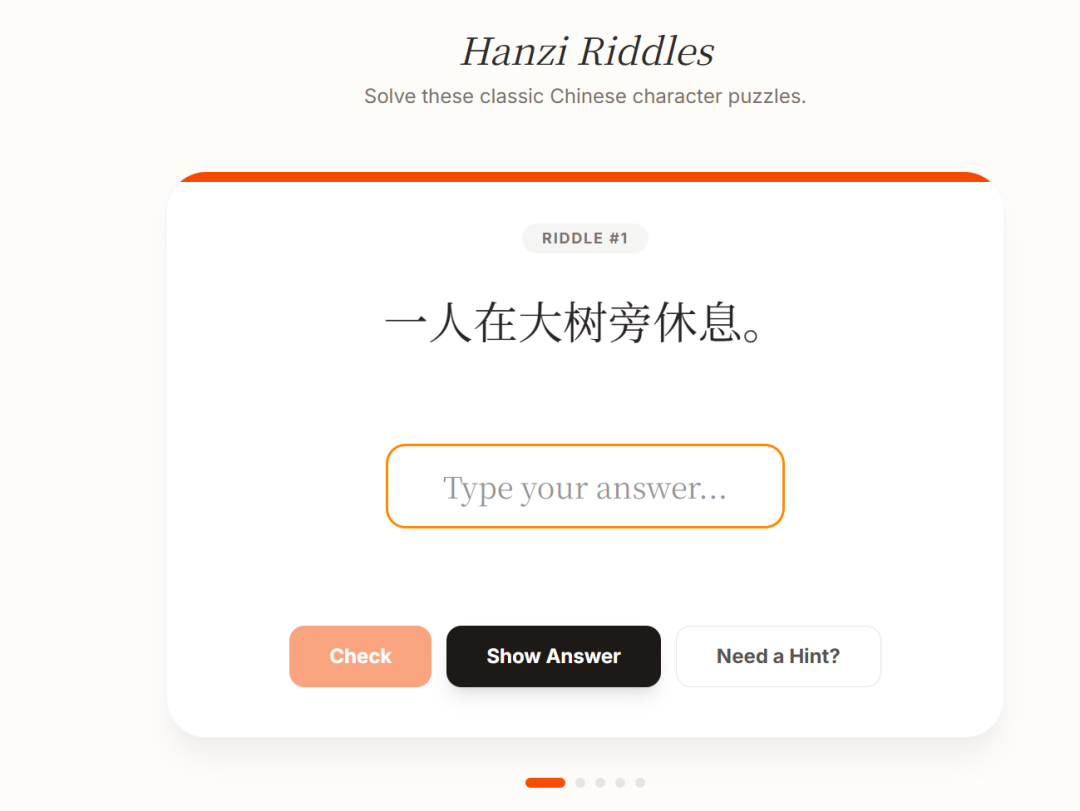
The result was good, but — the riddle challenge screen had no place to enter an answer at all.
Users could only read the riddle with no way to type an answer. So what was the point?
Take a deep breath first. The first version is a draft, not a write-off — don't rush to tear it all down and start again.
The right way to iterate takes two steps:
1.Screenshot: take a screenshot of the problematic screen
2.Paste the image and speak plainly: paste the screenshot into the chat box and add one sentence of description
I wrote just one line:
The riddle screen has nowhere to enter an answer — please add one
And the result? The AI fixed it immediately — answer field, submit button, all in one go.
The riddle screen after the fix:
💡"Revising with AI works the same way as revising with a designer: pointing at what's wrong in a screenshot is ten times more effective than a hundred words of description."
04 Two practical tips
💡About error notifications
While you're building, you may see an error notification pop up next to the AI. Don't worry — click the `Fix` button and the AI will try to repair it automatically. If it doesn't affect how the page runs, you can leave it alone for now.

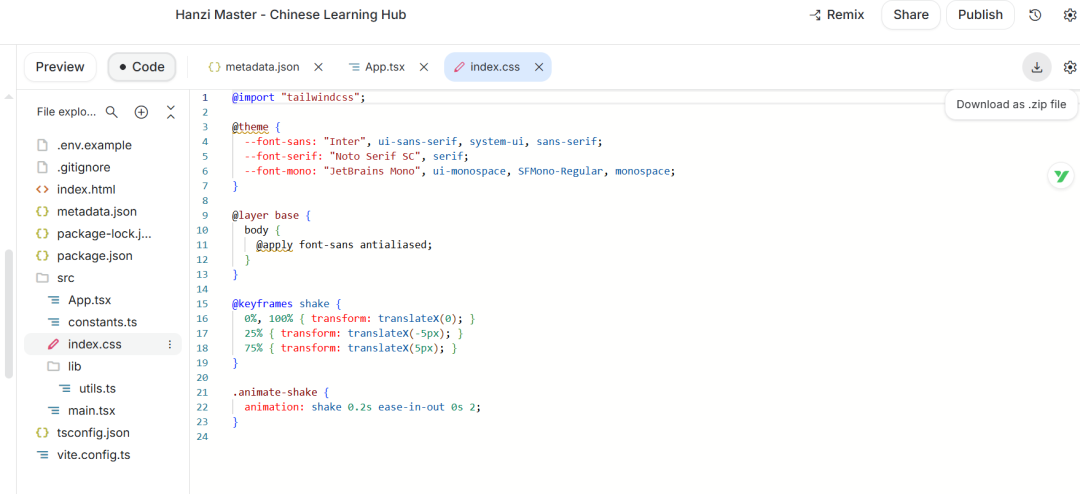
💡About downloading the code
Want to save the AI-generated page to your own machine? In the top right of the code panel there's a download button — one click gets you a zipped package with all the code inside.
05 Today's summary
Today we completed the most crucial step from 0 to 1:
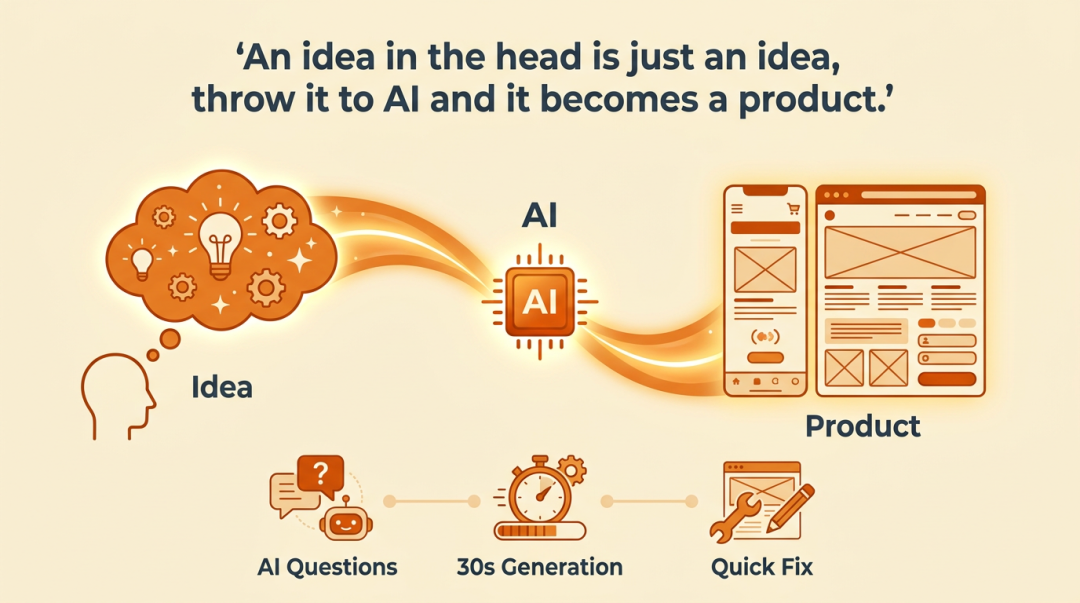
- 🎯 Don't know how to write requirements? Let the AI ask the questions — you just pick the answers
- ⚡ Hit enter and get your first runnable web page in 30 seconds
- 🔧 Spotted a problem? A screenshot plus one sentence fixes it precisely, with no need to start over
🌟"An idea in your head stays an idea forever — hand it to the AI and only then does it become a product."